Vimix documentation

Community documentation of vimix, the video live mixer
Load a video
Create a video source in vimix.
What it does
Load a video file, place it in mixing view to adjust its opacity, show it in the mix output.
How to
-
Clic on
+in left panel to add a source.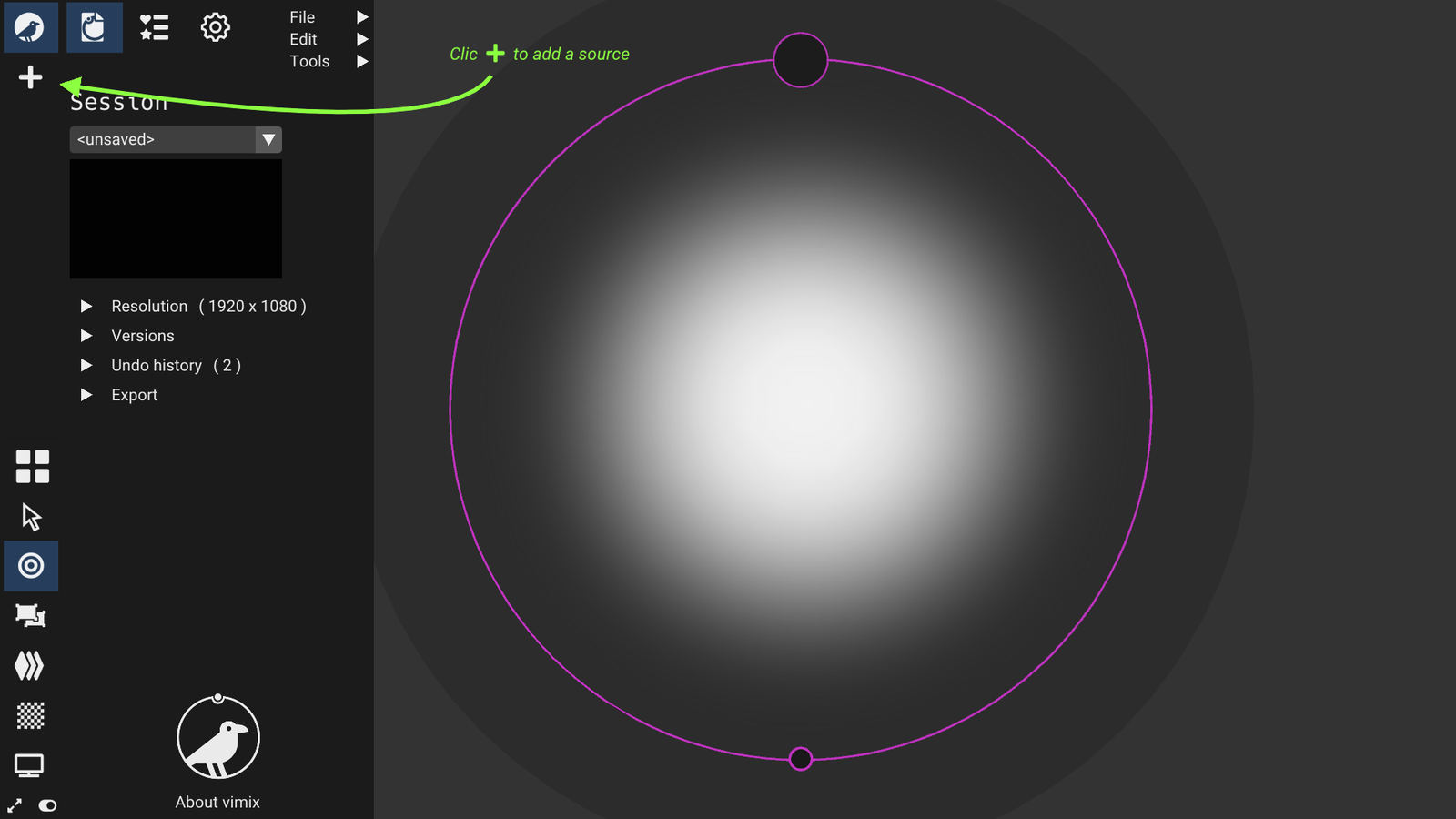
-
Clic
Open.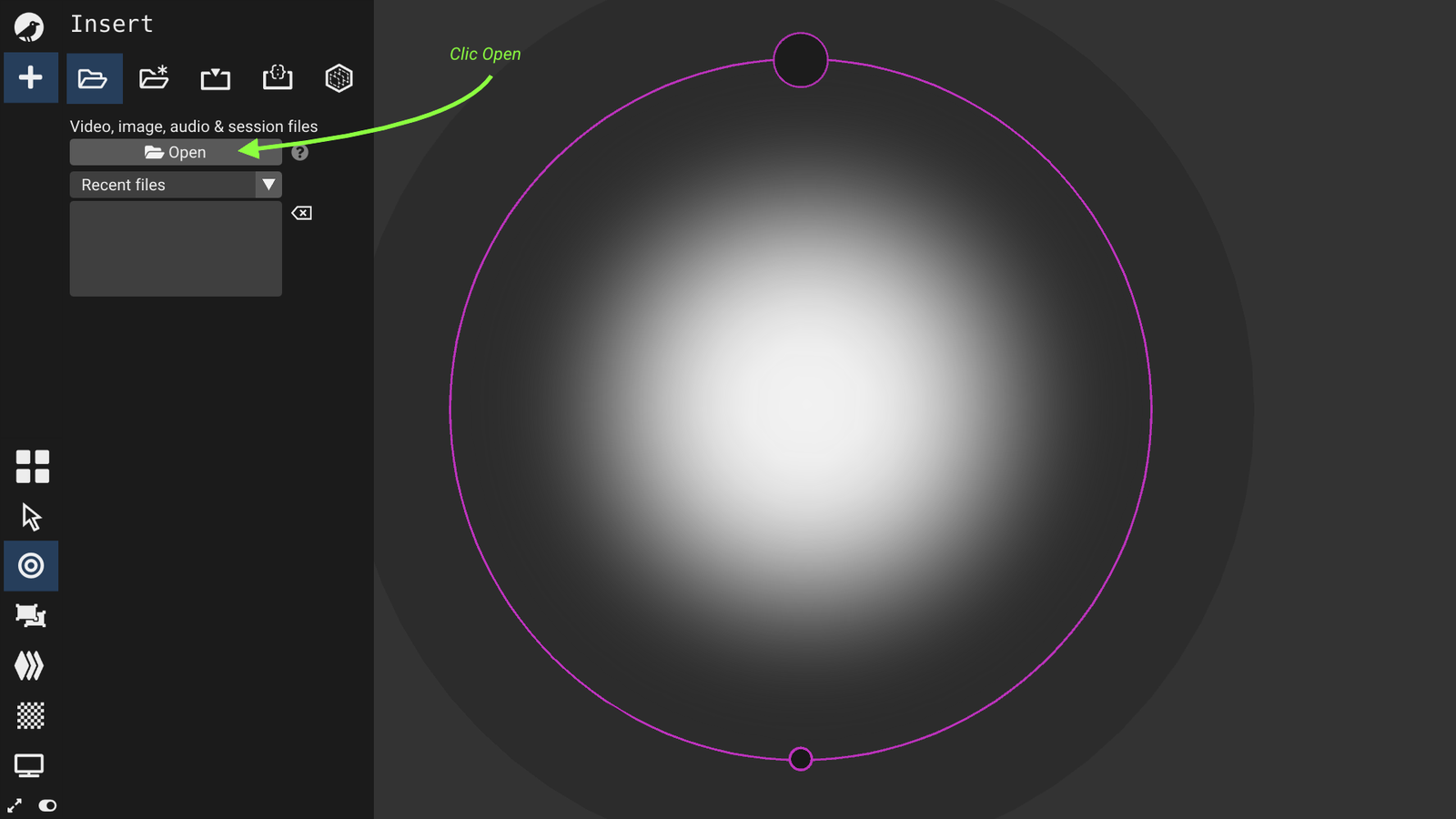
-
Select a video file in the file selection dialogue, validate with
Open.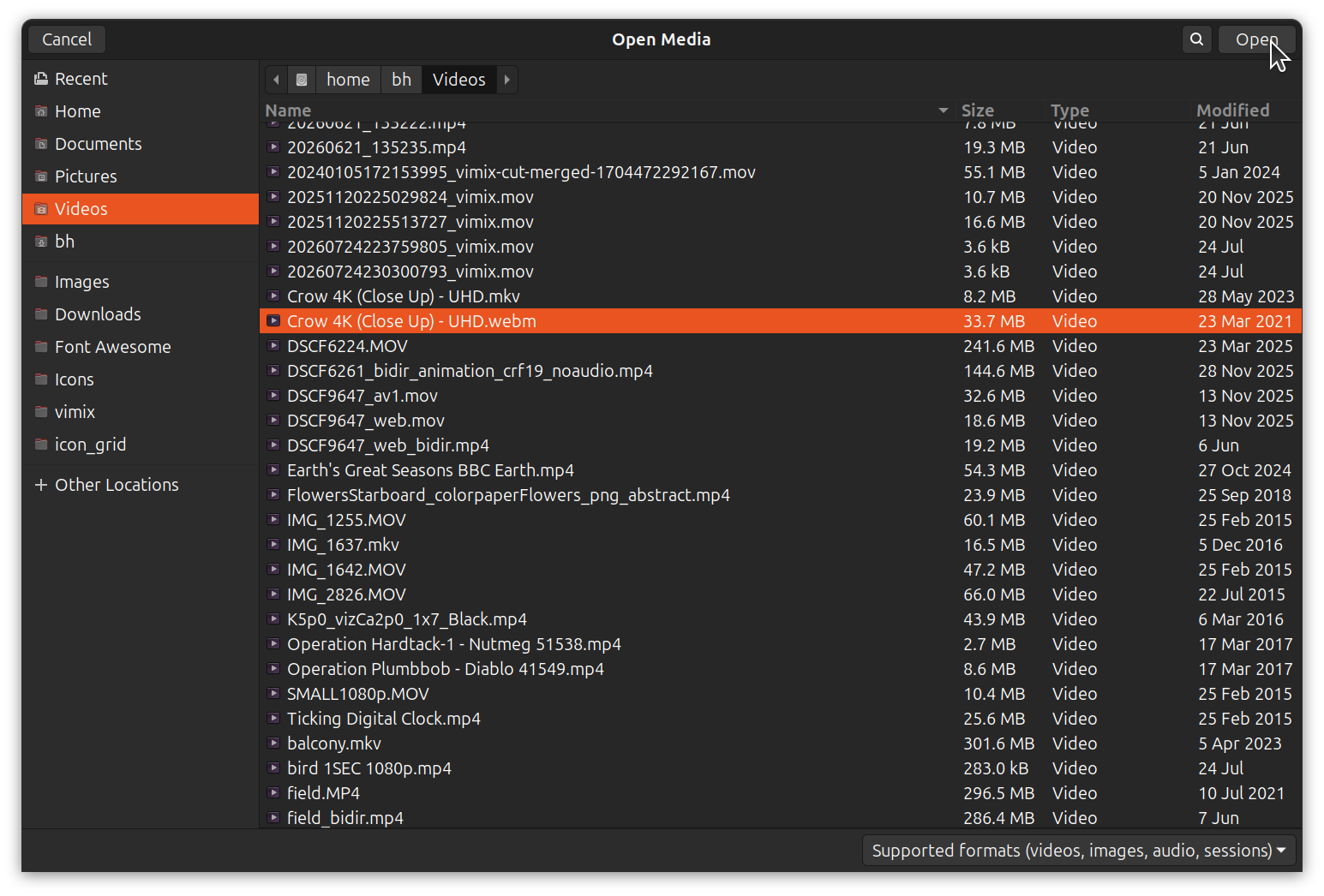
-
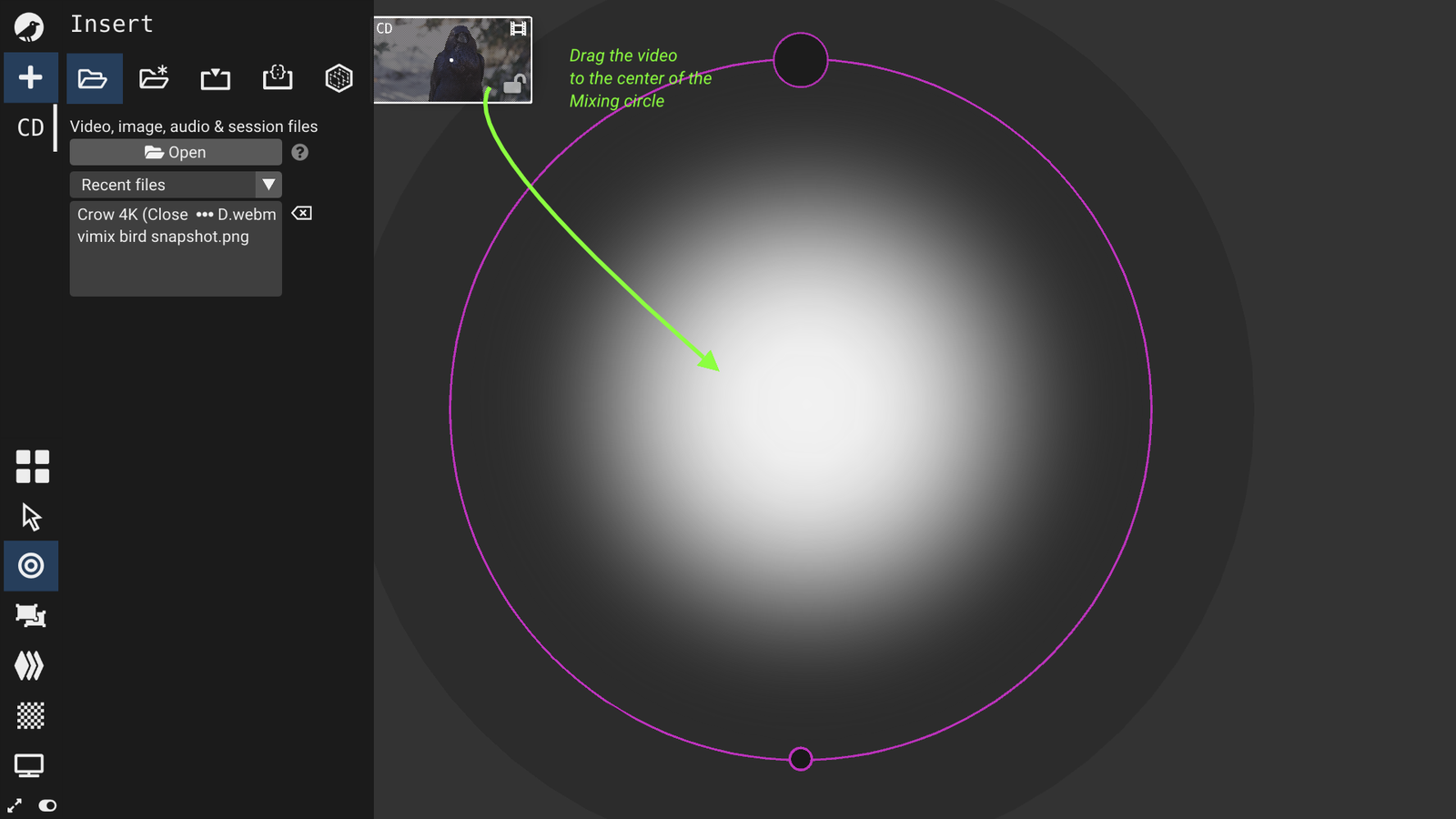
Drag the video icon in the mixing circle.
-
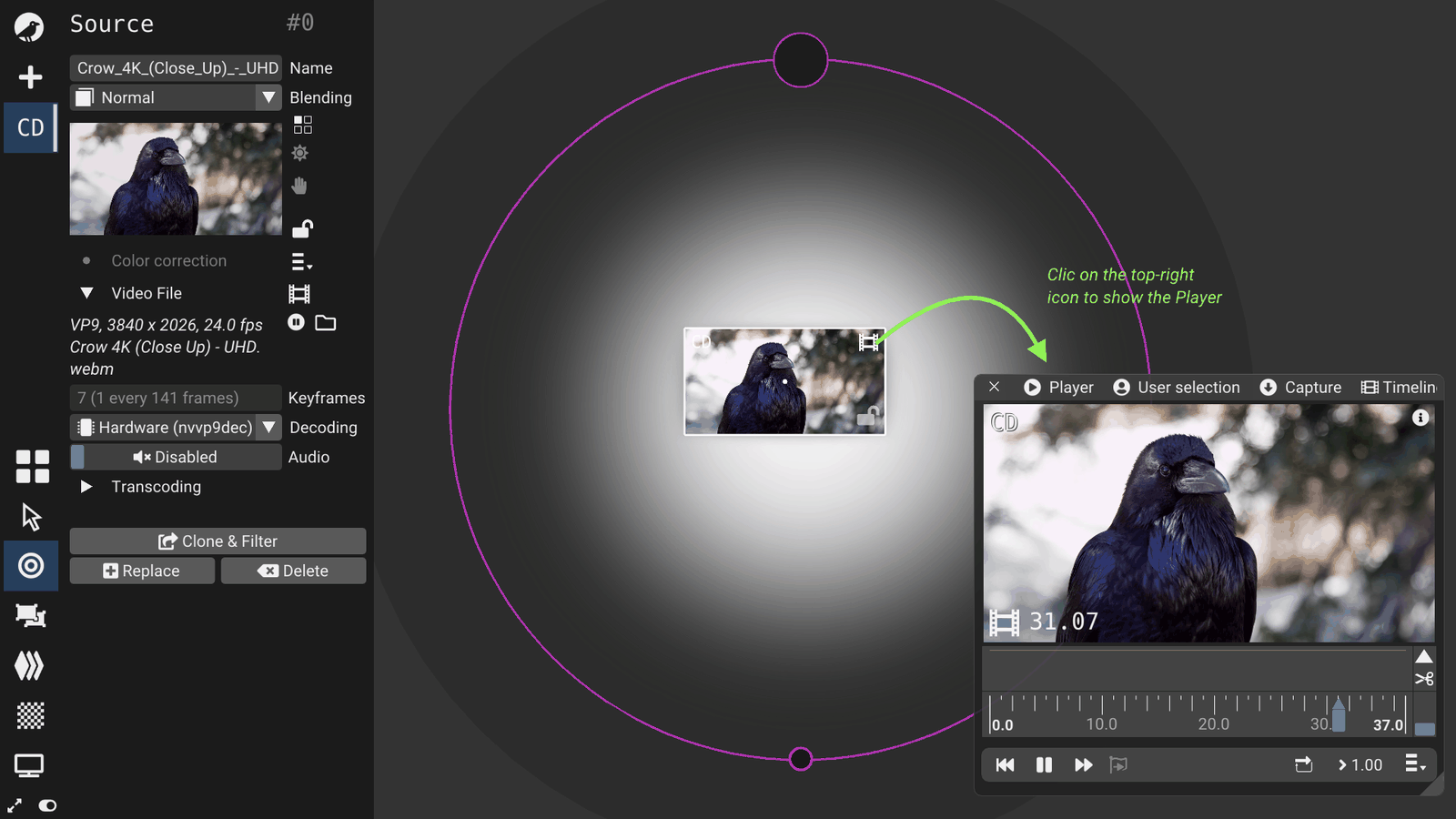
Clic Media icon on the source top-right corner to open the media Player.
In the Media player, you can press Play/Pause, seek forward,
-
Your video is in the mix output; open the Mix window with menu
Tools/Mix.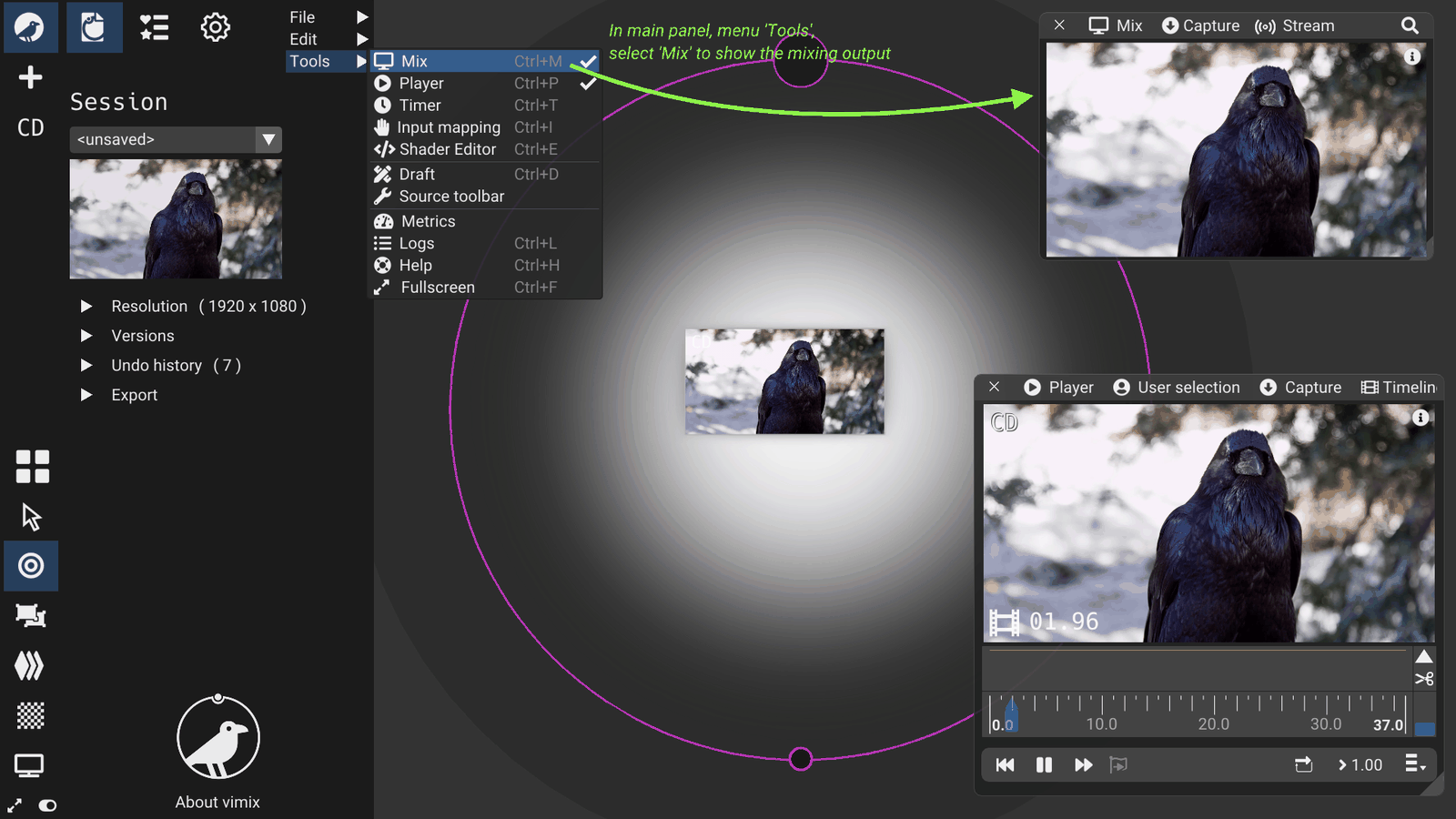
Specific information
- [Ctrl+P] to opens the media Player.
- [Ctrl+M] to open the Mix output
- You can also drop the video file from your desktop environment.